Como instalar y desinstalar libinput, controlador alternativo del touchpad

April 4, 2017 by
Como instalar y desinstalar libinput, controlador alternativo del touchpad
Eusebio Giner Slimbook
| No comments yet
This article was published more than three years ago. Please note that it may be outdated due to new versions and updates Try to understand the steps to follow in case you have to apply changes during the process.


Como instalar libinput (librería alternativa al driver evdev del touchpad):

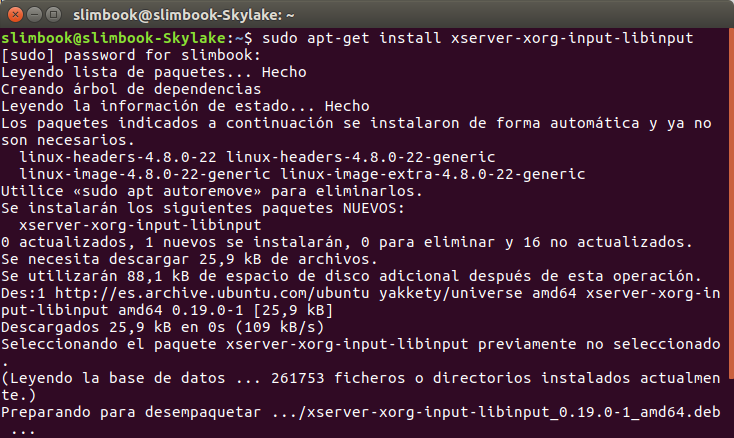
Desde terminal, introducimos:

sudo apt-get install xserver-xorg-input-libinput

Reiniciamos el sistema y ya estará cargada la nueva librería.


Como desinstalar libinput

sudo apt-get install xserver-xorg-input-evdev

sudo apt-get remove xserver-xorg-input-libinput

Reiniciamos el sistema y ya estará eliminada la librería.

Como instalar y desinstalar libinput, controlador alternativo del touchpad
Eusebio Giner Slimbook April 4, 2017
Share this post
Our blogs
Archive
Sign in to leave a comment